Signing keys
Signing keys let the engine sign the proof of access it gives people and clients, so it can recognise valid access on later requests. They are different from a client’s secret and from the keys used to sign webhook deliveries. You do not copy a signing key to a person or integration.
Open Settings › People and access › Signing keys with Security administration. The list shows Key ID, State, Created, Replaced and Retired. No key yet: one is made with the first token. means the instance has not needed a signing key yet. You do not need to create or delete a row to clear that state. The current key is Signing. A replaced key shows Verifying until with the end time while it still accepts access it signed. A retired key no longer does so.
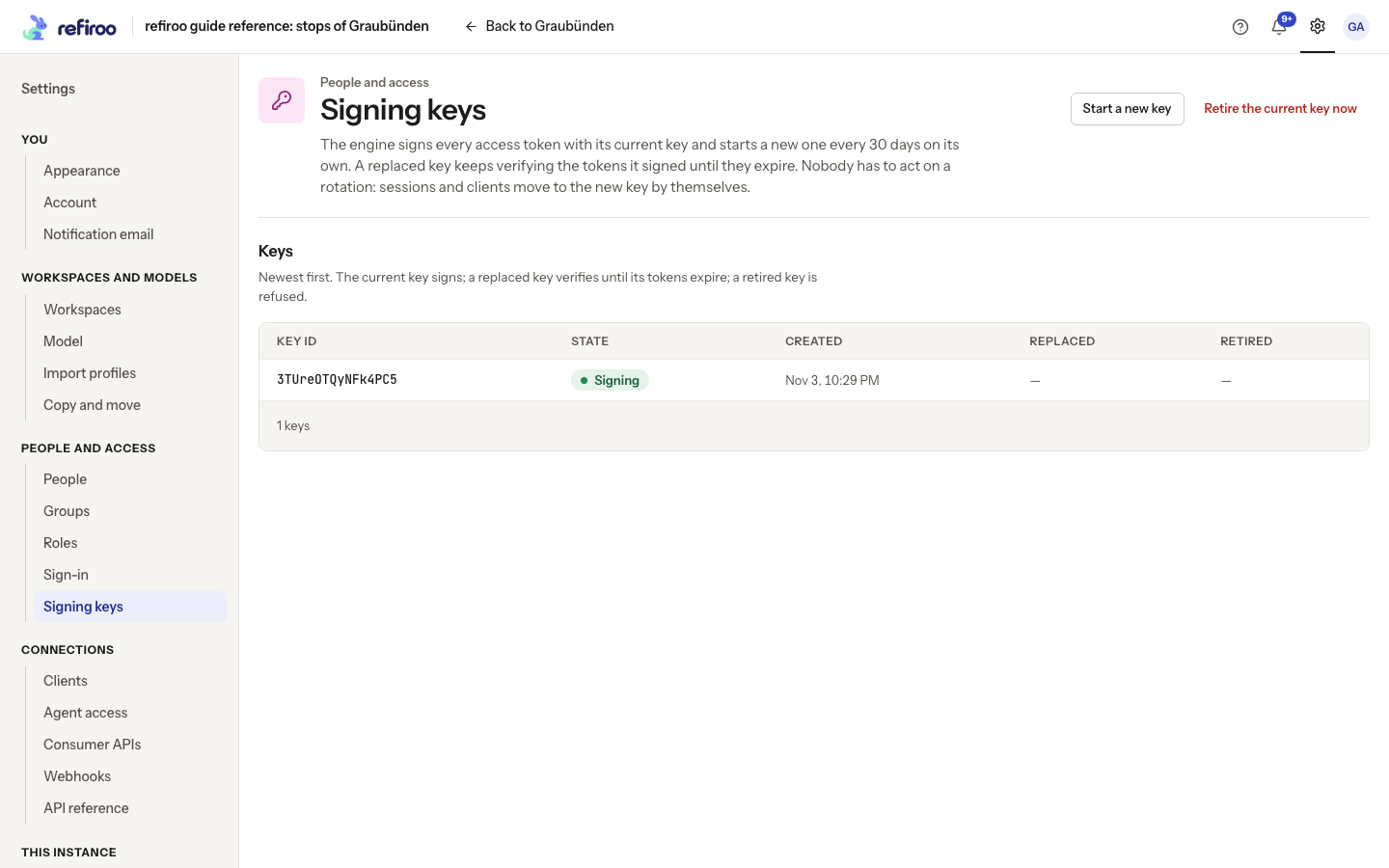
Above: The reference instance has one key, marked Signing. Start a new key and Retire the current key now are available.
Normal replacement
Section titled “Normal replacement”By default the engine replaces its signing key after 30 days, when next needed. The operator can change the interval. Existing access signed with the replaced key remains valid until it expires. Browser sessions renew and clients move to the new key through normal sign-in renewal; no administrator handover is needed.
Start a new key performs that normal replacement immediately. There is no dialog or second confirmation. A successful replacement leaves the previous key verifying until its remaining access expires.
Suspected disclosure
Section titled “Suspected disclosure”Retire the current key now is the emergency action. It asks for confirmation, then refuses access signed with that key from the next request and starts a replacement. People’s refiroo sessions renew without signing in again. A client is refused once and must obtain fresh access using its unchanged secret. The integration must handle that renewal. Retiring a signing key does not replace client secrets.
If starting or retiring a key fails, read the error and reload the list before assuming a new key is active. Follow Rotate signing keys for both procedures.
Signing keys are not deleted from this page. Normal replacement preserves verification until existing access expires; emergency retirement refuses it immediately. For webhook delivery keys, follow Rotate a webhook key; those keys are managed on each webhook, not here.
Restore or move an installation
Section titled “Restore or move an installation”Signing keys are held with the instance, shared by its engine processes. They are not exported or imported from this page. The operator must preserve the database and its secret storage through the backup and restore procedure. Starting a new signing key does not repair an installation that cannot open its saved secrets. Give the operator that failure message before attempting more replacements.