Delete a draft
Delete a draft only when its saved design work and attached source are no longer needed. You need Model authoring. See Models for the distinction between a draft and a release.
- Open the draft and inspect About this draft and History to identify it. If you need a copy of its model document, use JSON, then Export JSON, before deleting.
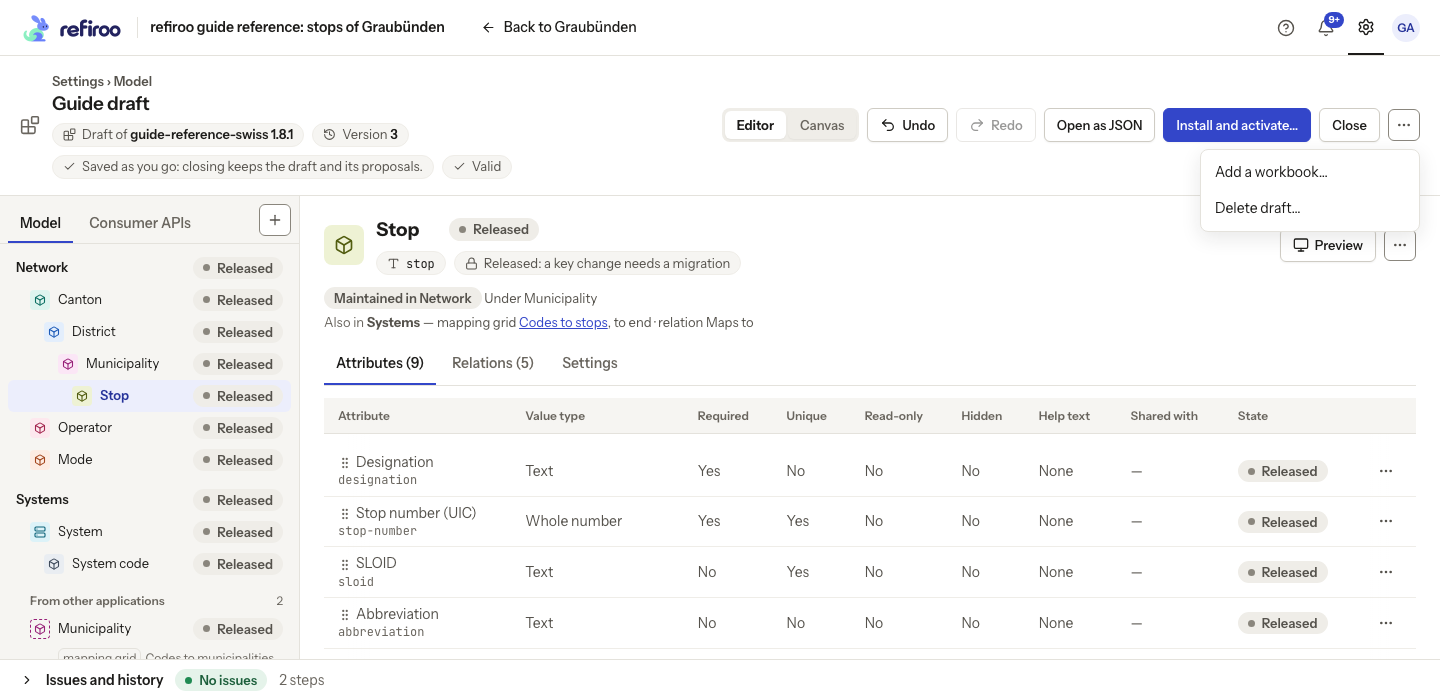
- In the editor’s More actions menu choose Delete draft….
- Read Delete this draft?. This removes the editable draft, its proposals, history and attached workbook. Installed releases are not changed. Choose Cancel to keep it.
- Confirm deletion only for the intended draft. Return to Settings › Model and check the remaining drafts. If deletion fails, read the notice and reload the list before retrying.
Deletion is not an undo of activation or a removal of records. To stop offering a release for new use, see Retire or delete a release.