Publications
A publication keeps a workspace’s records as they were after a successful publish. Open one to read a saved result without changing Live. Follow Browse a publication for the steps.
What a publication keeps
Section titled “What a publication keeps”Publishing a change set applies its authored changes over current live data and creates a read-only snapshot. The snapshot retains the model release used for publication, including the definitions and views for reading it. Later live corrections or model changes do not rewrite its records. A publication is not an editable copy or a list of every earlier edit; History answers who changed what.
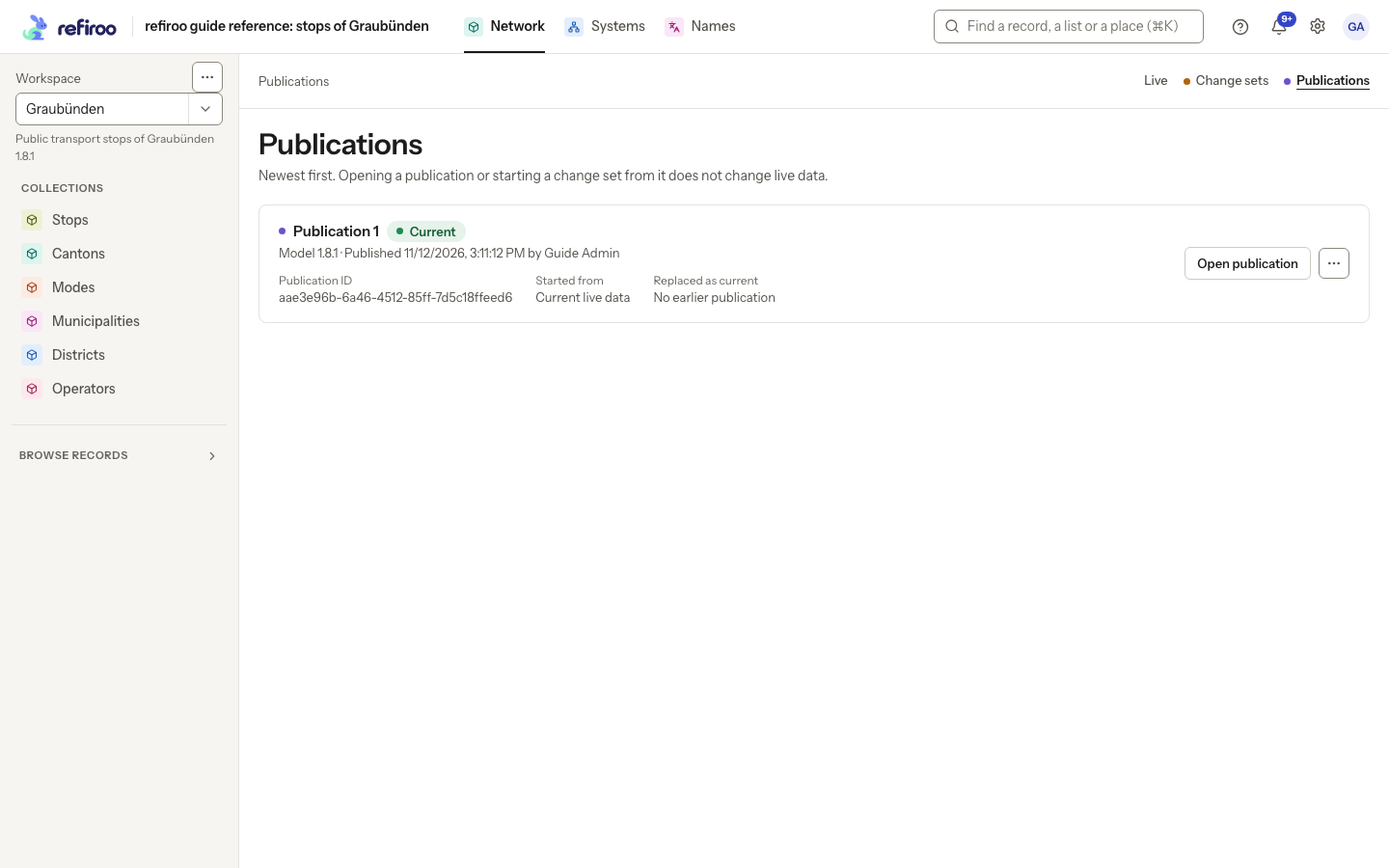
Above: Publication 1 was created after Guide Admin published the correction to Thusis Süd.
The Publications list is newest first. Each entry names its number within the workspace, model version, publication time and publisher, along with:
- Publication ID, its stable identifier.
- Started from, the earlier publication the change set used, or Current live data.
- Replaced as current, the previous current publication, or No earlier publication.
Choose Load older publications when offered to read further back. No publications yet means nothing has been published there; live data can still exist. A loading error needs a retry.
Reading and status
Section titled “Reading and status”Open publication opens the snapshot. Its purple banner names the publication and says it is read-only. Search, filters and the views declared in that model help you inspect it. Editing controls are unavailable. Back to publications returns to the list; Live returns to current data. You need Browse access to the workspace to read its publications.
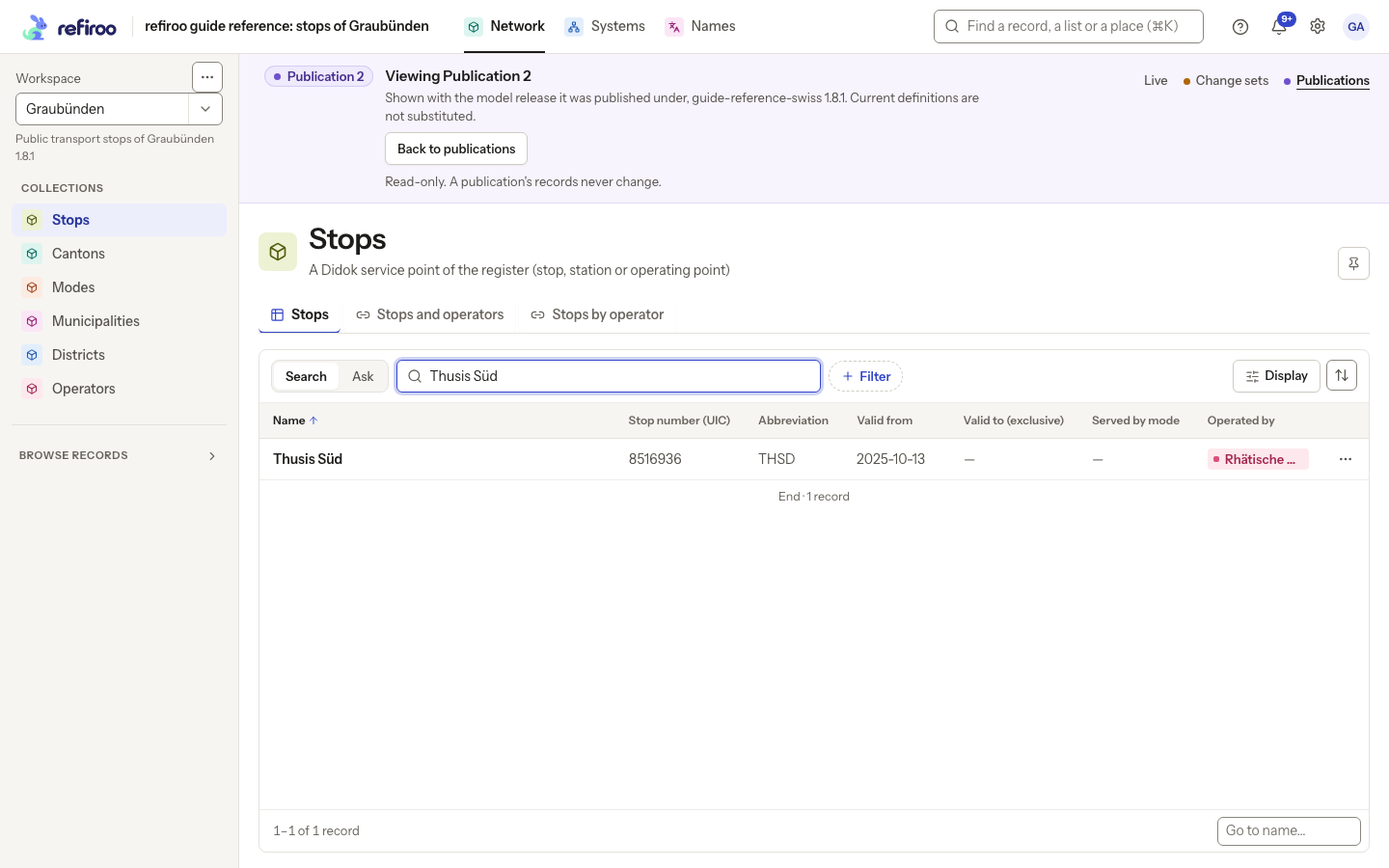
Above: Publication 1 shows Thusis Süd with Abbreviation THSD. The banner identifies the saved model release and the read-only context.
Current marks the designated publication. A newer publication replaces that designation; older snapshots remain readable. Current does not mean that later direct live edits are included. Withdrawn means an authorised person withdrew the current designation. Withdrawal keeps the snapshot and Live unchanged and leaves no publication current; it does not select an older one. With Publish permission, Withdraw publication is on the current publication’s menu and asks for confirmation.
Starting work from a snapshot
Section titled “Starting work from a snapshot”With Work in change sets permission, the publication menu offers Start a change set from this publication. Enter a Name, then choose Start change set. The result is editable and keeps the snapshot’s model release. This does not restore Live: only changes you deliberately author can be published later. If its model differs from the workspace’s current model, resolve that difference before publishing. See Change sets and Prepare and publish a change set.
For the actions on a saved snapshot, follow Start from an earlier publication or Withdraw a publication. Export is available where jobs are enabled; Import and editing controls are absent. Snapshot pages do not show a Live History panel. Reading the snapshot stays under its saved model even after later activations.