Retire or delete a release
Open Settings › Model, then the model’s Releases and the release. These lifecycle changes need installation permission. See Releases.
- Check its version, workspace use and whether it runs the default workspace. Retire… stops new selection but keeps existing users on the release. The default workspace’s release cannot be retired; move that workspace to another usable release first if appropriate.
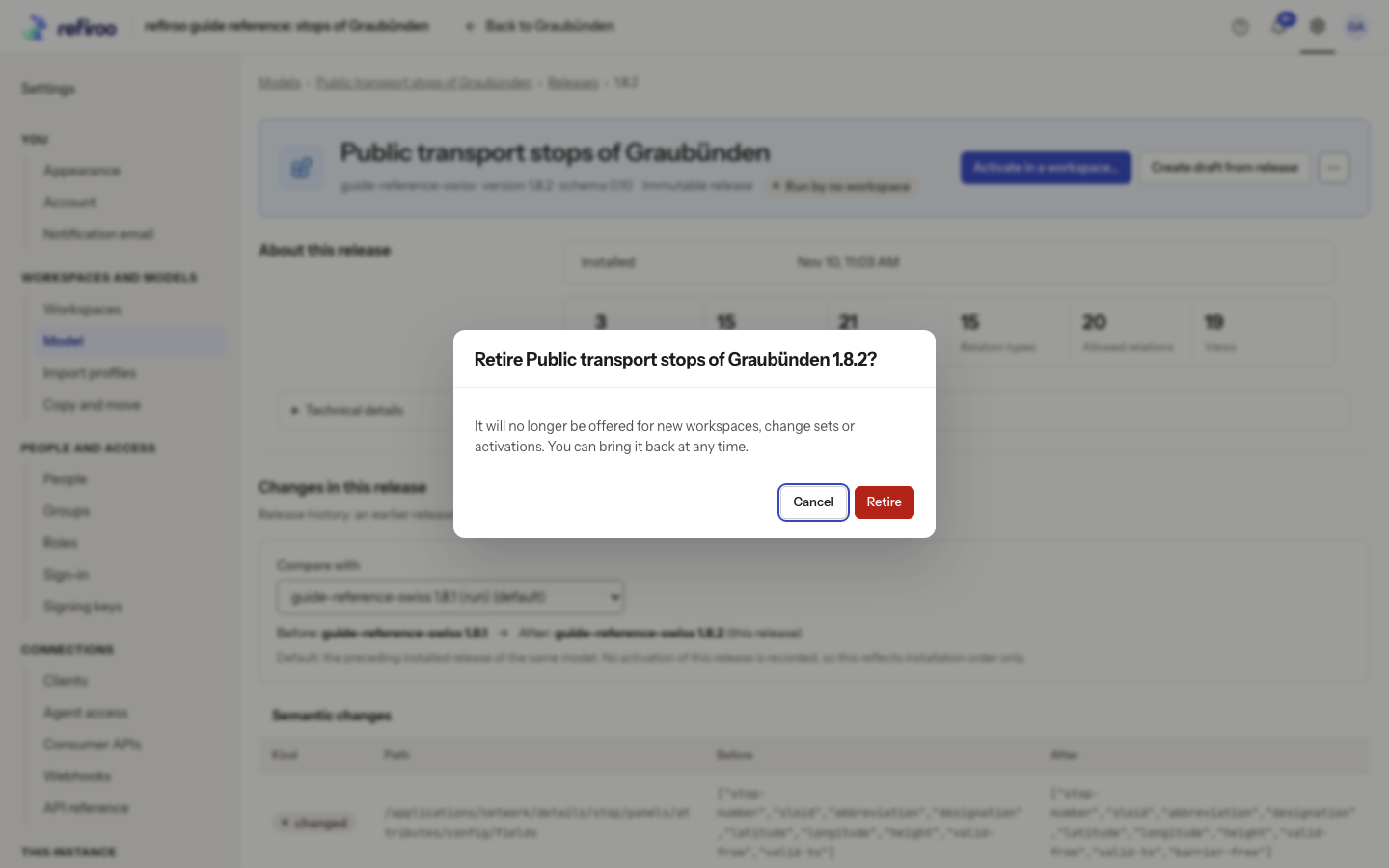
- Choose More actions › Retire…, read the named release and confirm. Cancel keeps it available. Check the Retired state afterwards. Workspaces and change sets already using it keep working.
- To offer it again, choose More actions › Bring back and check that it is available. A model with every release retired and no running workspace appears under Retired in the model list.
- Use More actions › Delete… only for a release with no remaining use or references. Run by no workspace alone does not prove it is deletable: records, publications, change sets, profiles or mappings can still refer to it. Read the confirmation and any refusal before proceeding.
- Confirm deletion only when the named unused release is no longer needed. Deleting its release does not delete editable drafts. If refused, retain it or retire it; do not delete history to force a release removal.
If the release changed state elsewhere, reload it and review the current state before retrying. Retirement is reversible; deletion is not the same operation.