Propose targets
Use this to prepare mappings for unmapped records. You need Use AI proposals and Work in change sets, an enabled AI provider and permission to send record values. Read Mapping grids for candidate and confidence limits. Names and displayed fields go to the provider; requests can incur costs and are recorded. See AI and your data for details.
- Open a mapping grid in the current workspace. Apply search or choose a parent if you want only those sources considered. Open Propose targets. The dialog counts the unmapped sources and states what is sent. If none remain, close it and change the scope if necessary.
- Under Into change set, use the current change set or choose New change set and name it. Without an open change set, enter Name of the new change set. No suggestion writes Live.
- Choose Propose. Proposing targets… shows progress. You can Close the dialog and the job continues; its end is announced. Stop ends further work but keeps mappings already proposed. If someone changed the change set before the request started, review it and propose again against its current state.
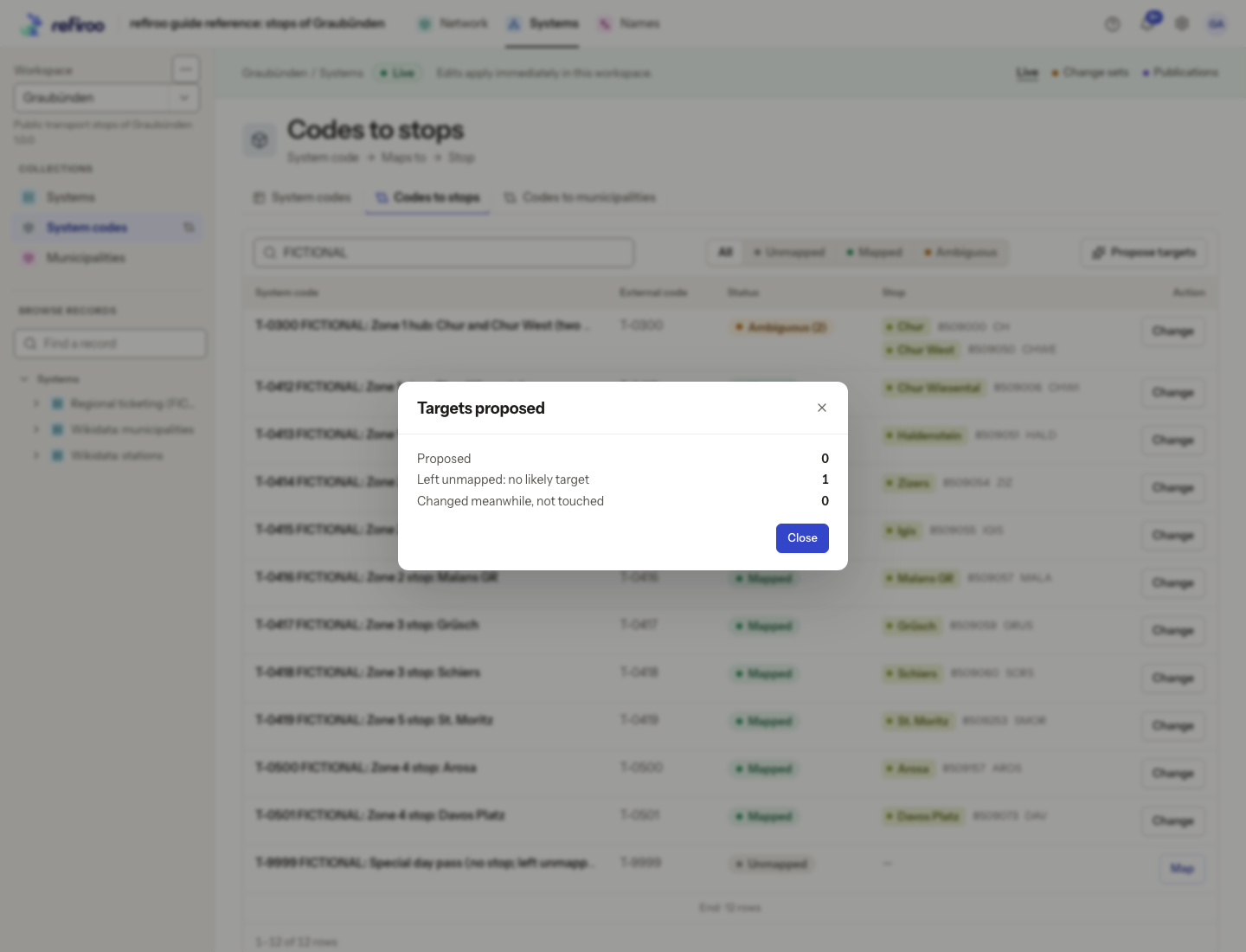
- Read the result counts and warnings. Left unmapped: no likely target needs your own investigation. Changed meanwhile, not touched means someone changed the source while the answer was being prepared. A failed or unanswered batch is not a decision that no target exists.
- When at least one target was proposed, choose Show proposed to open the change set’s grid with Proposed selected. Inspect each target, its displayed fields, confidence and reason. On a phone, expand Why?. Use Change and Save to replace a wrong target. Its AI mark disappears. If no target was proposed, Show proposed is absent. Choose Close and investigate the unmapped sources manually.
- Review the whole change set, including any earlier work in it. Follow Prepare and publish a change set to validate, obtain any required approval and publish. The published history says which mappings were proposed by AI and who published them.
If the provider fails, read the warning and review any proposals already saved. You can prepare mappings manually through Map codes between systems. If the action disappears, ask an administrator whether the provider, send level or your access changed.