Edit a draft as JSON
Use this task only when you maintain model documents. Ordinary browser modelling does not require document syntax. You need Model authoring. See The JSON view.
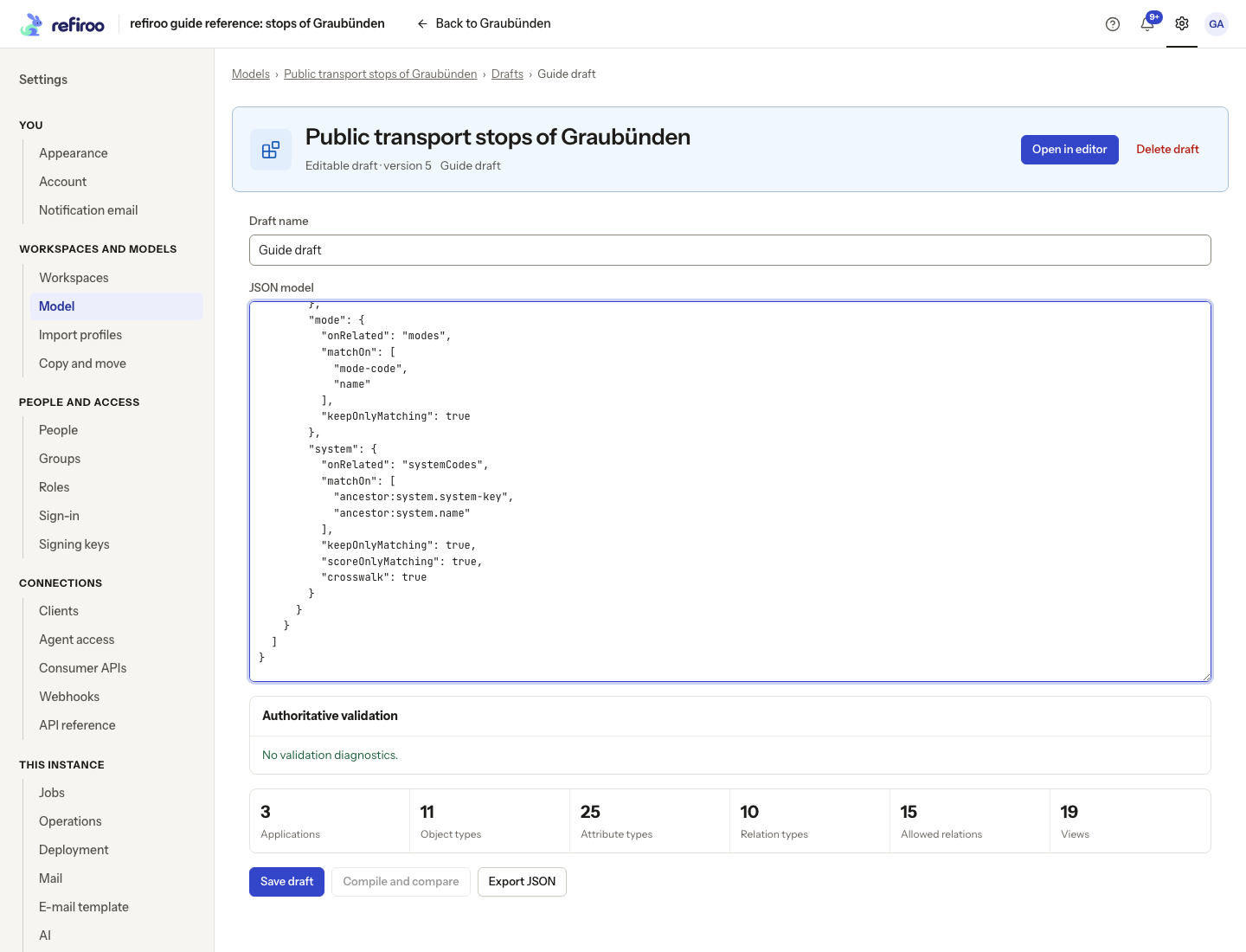
- Open the draft’s JSON or Open as JSON. Check Draft name and the editable draft version before changing the JSON model text. Use Export JSON for a copy if needed.
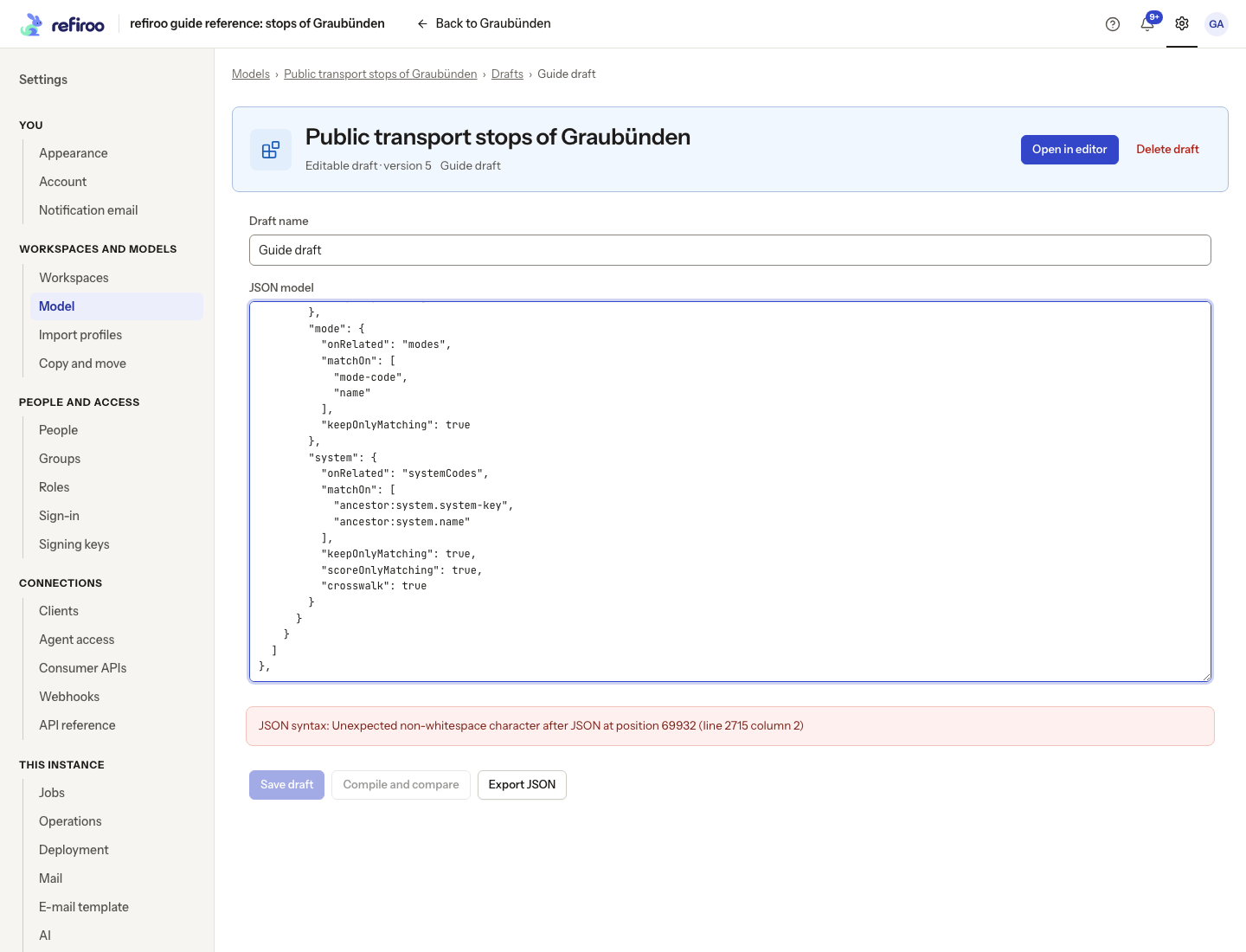
- Make the intended specialist edit. If JSON syntax: reports an error, correct it first. The summary alone is not proof that all references resolve.
- Read Authoritative validation. Select a diagnostic to reach its location. Correct unknown references or conflicting definitions. Do not replace a referenced definition merely to silence an error.
- Choose Save draft. This saves your text as a draft step, shown as JSON edit in History. If A newer draft version exists appears, choose Copy local JSON before Reload saved version when you need to keep your work. Review and reapply changes manually.
- After saving, choose Compile and compare. Review Canonical model, its Ready for review or Invalid state and all semantic changes. Unsaved edits must be saved before compiling.
- Choose Open in editor to inspect the same draft visually. To install without activating, use Install immutable release… where your permissions allow it and read Install this model release?. Confirm Install release only after review. It creates an inactive release.
For activation, follow Install and activate a release. A successful save or compile alone does not check every workspace’s data.