Switch workspace
Switch workspaces to work with another dataset. It does not copy or move records. See Workspaces for models, access and retired workspaces.
Choose from the sidebar
Section titled “Choose from the sidebar”- Check the current Workspace and the model and release beneath it.
- Open the workspace selector. Search for the workspace if necessary. Check its model before selecting it: Other model means a different structure, and Other release means another release of the same model.
- Choose the destination. Check the workspace name after it opens. If the previous application or view is unavailable there, choose one of the destination’s applications and collections.
- Read the context banner before editing. Live saves apply immediately; a change set holds proposed work; a publication is read-only. Open the intended context in the new workspace.
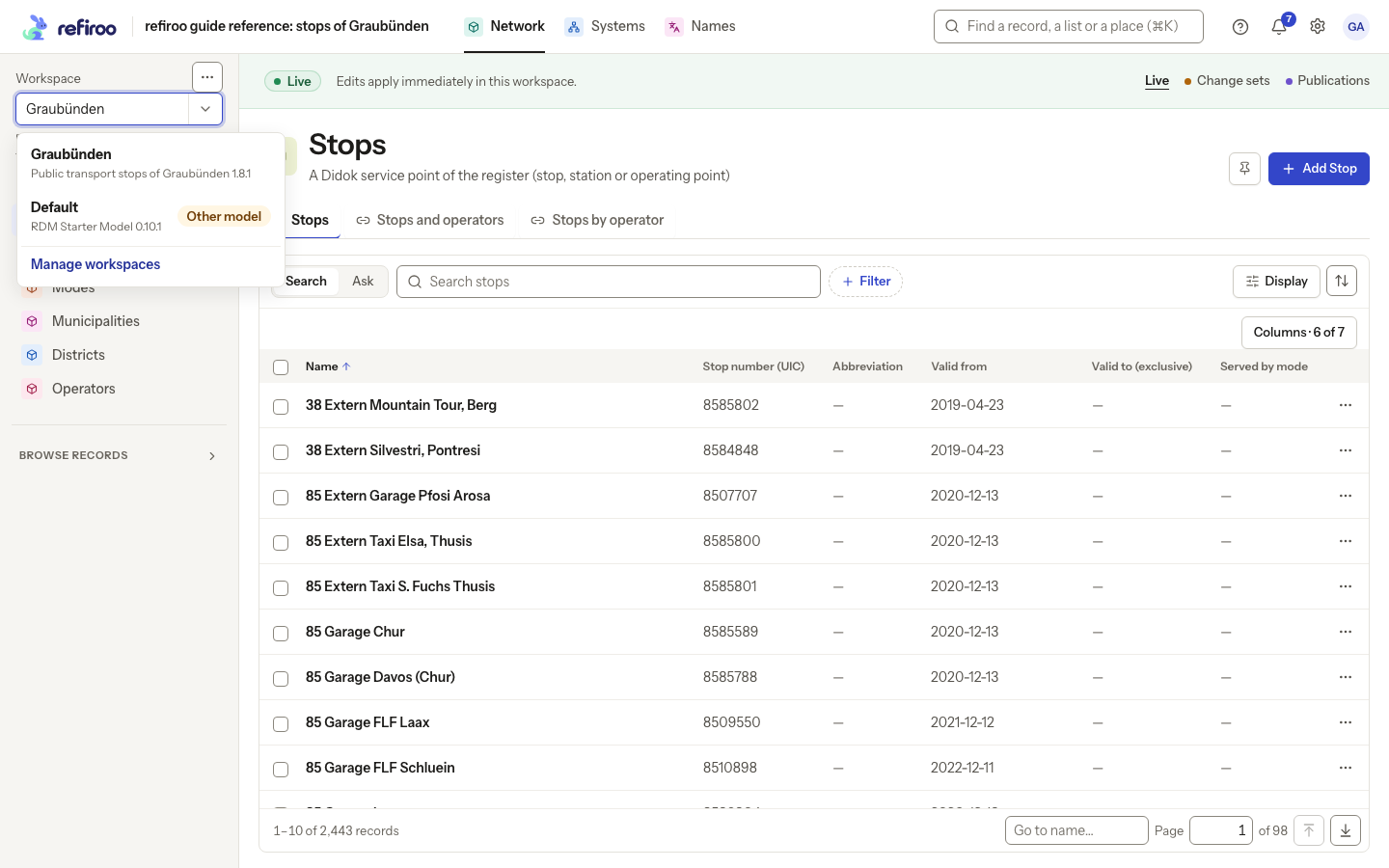
Above: Default is marked Other model while Network is open in Graubünden.
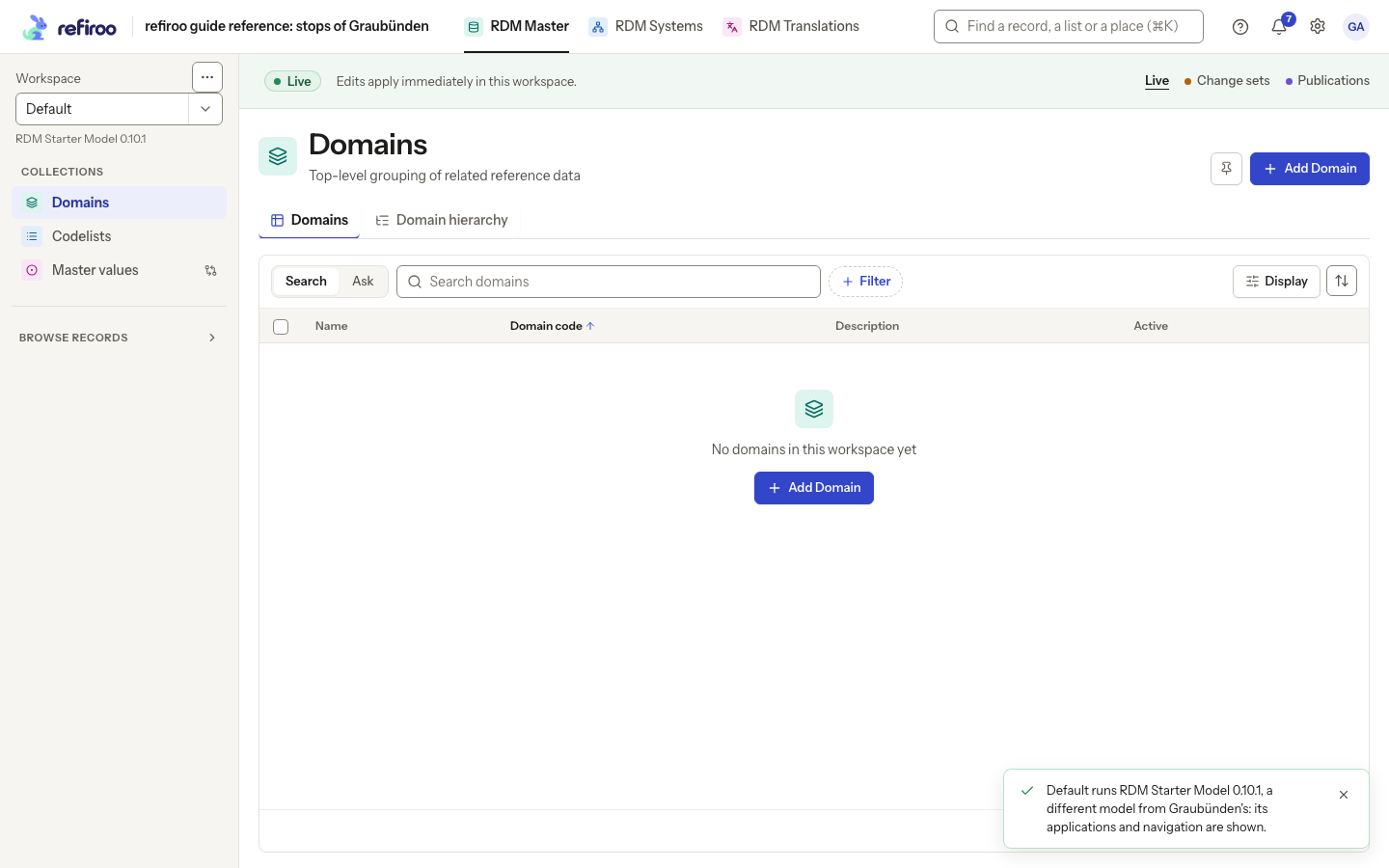
Above: choosing Default opens RDM Master and its Domains collection. The toast explains that Default runs a different model from Graubünden. No records were copied.
Choose from Home
Section titled “Choose from Home”- Select the refiroo name in the top bar.
- Under Your workspaces, check the destination card’s model and release.
- Choose the workspace’s name or tile to open its page, then choose an application. Check the sidebar and banner in the application that opens. Continue with Open an application.
If the selector is absent, only one workspace is available. If the intended workspace is missing, ask an administrator about Browse access or retirement. Where permitted, Manage workspaces opens the full management list; a retired workspace opened there is read-only. If switching reports an error, retry and confirm which workspace is open before changing data.
If the address does not fit this workspace
Section titled “If the address does not fit this workspace”After switching, read the toast if the model or release differs. An old bookmark can open Not in this model: the named application, collection or type is absent here. Choose one of the offered workspaces whose model has it, or return Home and open an application this workspace provides. If the workspace itself cannot be served, read the displayed reason and ask the operator for help. Other workspaces remain available. A retired workspace can be opened through Settings › Workspaces where permitted, but stays read-only.