Rotate a webhook key
You need Integration administration in the webhook’s workspace. Arrange the switch with the receiver’s owner. The key belongs to this webhook; replacing it does not change a client’s sign-in secret. See The Webhooks page.
- Open Settings › Connections › Webhooks, open the intended webhook’s row and check its URL, consumer API and workspace. Under Configuration, note Signing key created and any Previous key signs until date.
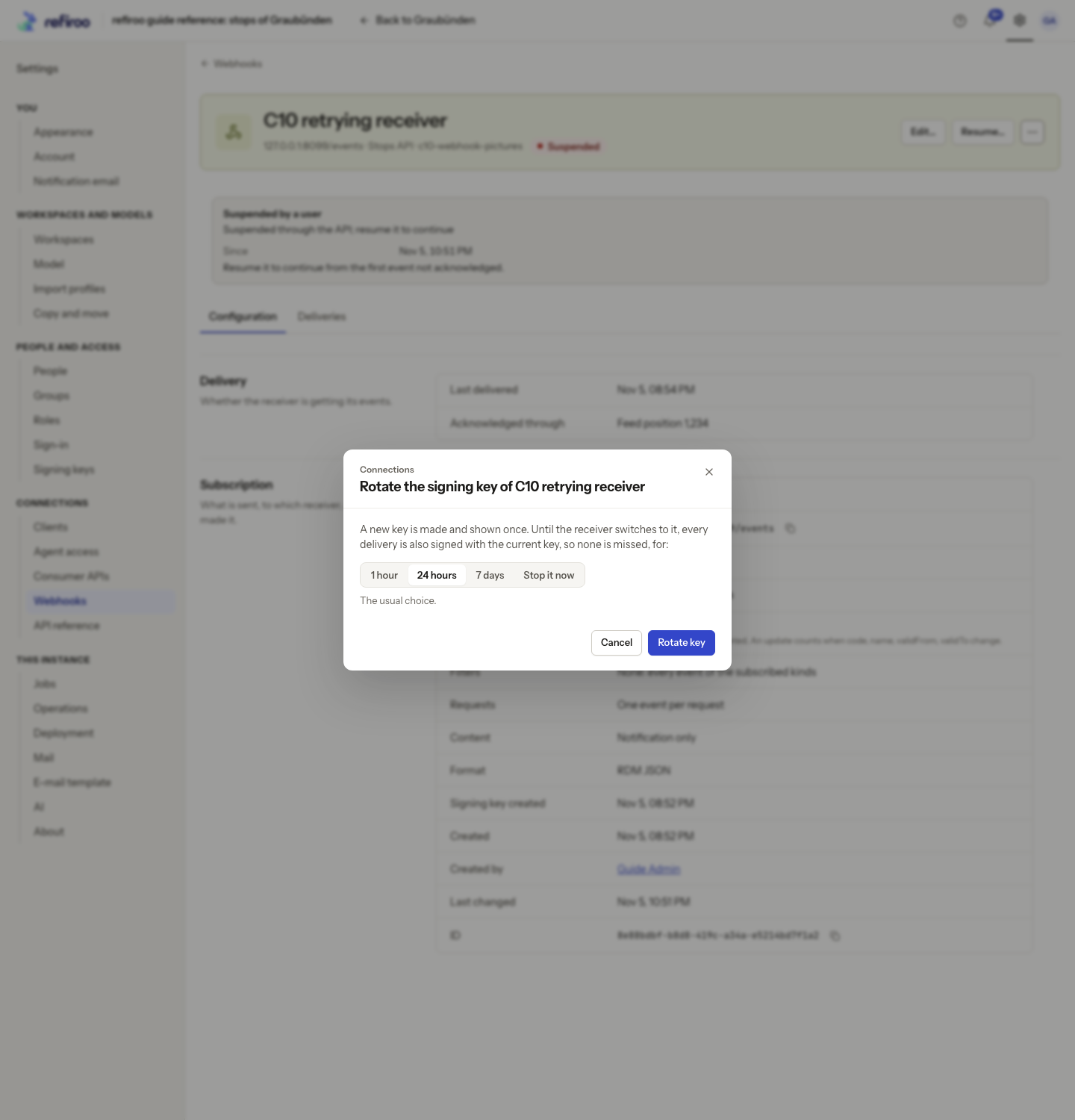
- Choose More actions › Rotate key…. In Rotate the signing key of …, choose 1 hour, 24 hours (the usual choice) or 7 days. During this overlap each delivery has signatures for the new and old keys, so the receiver can accept either.
- For a key that leaked, choose Stop it now. The old key stops signing immediately. Until the receiver has the replacement, it may refuse delivery and refiroo retries.
- Choose Rotate key. Cancel keeps the current key. If No new key was made appears, read the reason and reload the webhook to establish its state before another attempt.
- In Keep the new signing key, copy the replacement into the agreed secure store and pass it securely to the receiver’s owner. Check the displayed overlap deadline. Choose I have stored the key only after saving it; it cannot be displayed again.
- Have the receiver owner switch to the new key and verify a fresh delivery. Check Deliveries, its attempts and response. A successful delivery during overlap alone does not prove the receiver uses the replacement; ask its owner to confirm which key verified it.
- Check that delivery continues after the overlap. If it fails, have the receiver owner check its configured key, then follow Find out why a webhook paused.
If the replacement was lost, make another rotation and arrange the handover again. Do not expect the old one-time dialog to reopen with the key.
If another rotation starts during an overlap, the key retained from the earlier rotation stops signing immediately. Coordinate the receiver’s switch before rotating again. A rotation on a suspended webhook changes its key but leaves it suspended; resume it separately when the cause is repaired.